Optimize your ad exposure, engagement, and revenue on your websites or digital platforms effectively. Learn the strategies, best practices, and dos and don’ts of ad refresh in this comprehensive guide.
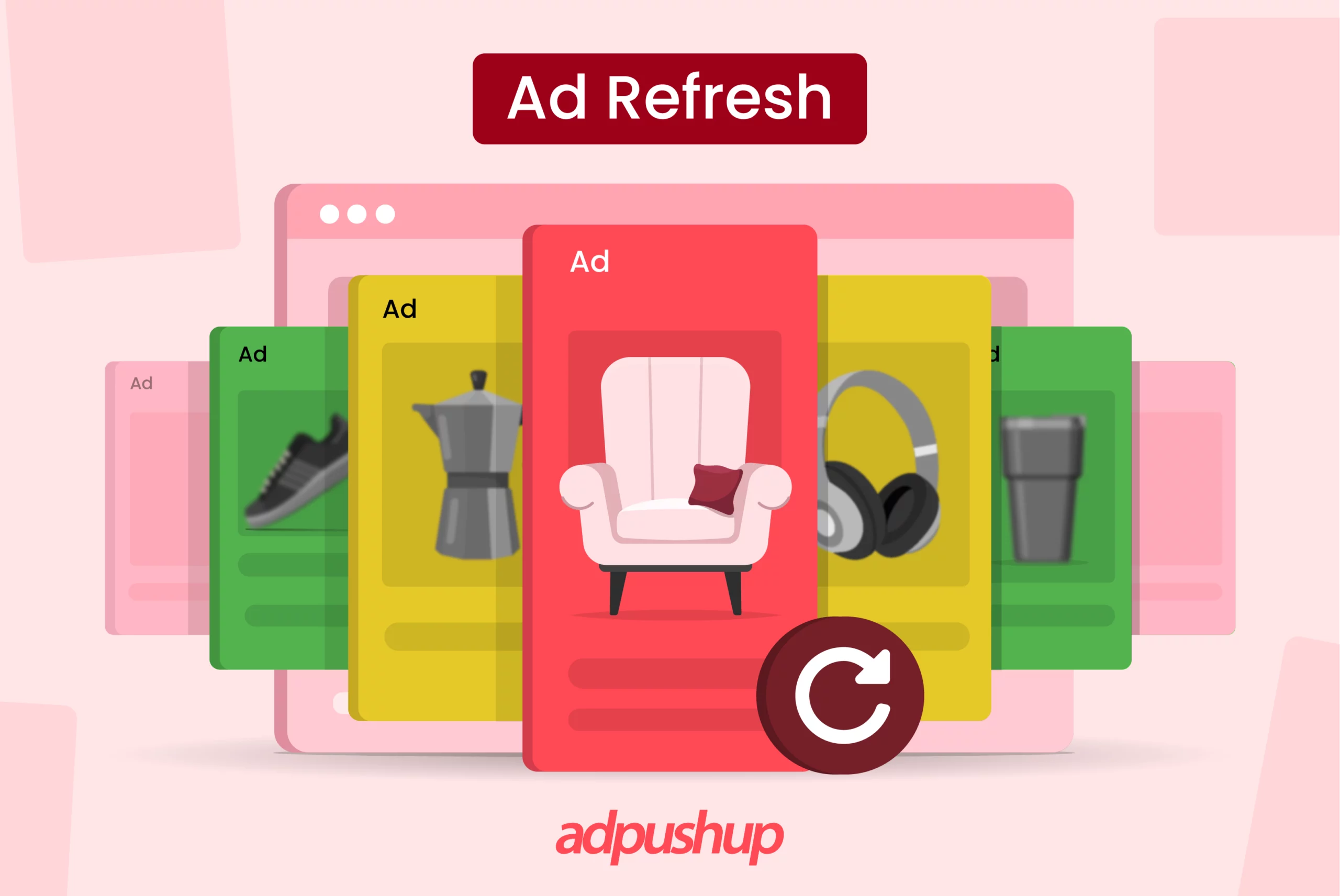
Publishers use ad refresh to optimize ad exposure, engagement, and revenue on their websites or digital platforms. By periodically refreshing ads, you can capture users’ attention with fresh content, increasing the effectiveness of their advertising efforts.
In this post, we’re going to explain what auto-refresh ads are, how they work, things to keep in mind before implementing them, and more.
Let’s first understand what it is.
What is Ad Refresh?
With standard display ads, the user requests the webpage, which triggers the ad server to load ads in the available slots. And that’s where the process ends.
In contrast, when refresh ad is enabled, the ad server will load a new set of ads in the same session on the webpage based on predefined logic. This way, a website user can potentially be served multiple sets of ads within a single session.
In theory, this can help you increase revenue per session. Sounds great, so what’s the catch? Well, it doesn’t work for all publishers or in all scenarios. We’ll get to that later.
How do Auto-refresh Ads Work?
Notice that we highlighted “predefined logic” in the section above, that auto refresh works based on different types of triggers configured by the publisher.
In Google Ad Exchange (AdX), these triggers are:
- User action-based: Ads are refreshed based on actions taken by the user, for instance, using site search, scrolling the webpage or clicking on the screen.
- Event-based: Ads are refreshed when content is updated on the webpage based on event triggers set by the publisher, for instance, a live sports ticker.
- Time-based: Ads are refreshed based on set time durations such as 30 seconds, 60 seconds, 90 seconds, etc. It’s not advisable to set refresh time under 30 seconds.
- In-view or Smart Ad refresh: Ads are only refreshed when they are fully visible to the user. This applies when the user remains active for at least 15 seconds Consequently, it leads to higher ad impressions and CPMs.
You can also enable auto-refresh using GAM. You can simply edit the existing line items with auto-refresh and select the above-mentioned triggers to start serving refreshed ads.
Who Should Use Ad Refresh?
Simply speaking, websites with above-average session duration or good time-on-site should consider deploying ad refresh.
For example, if a viewer stays on a particular webpage for three minutes, rather than showing just one ad, you can show refreshed ads to them to increase the impression count.
The following publishing businesses can easily implement ad refresh and make the most out of it:
- Educational sites
- Gaming sites
- Service-related sites
- Pages with infinite scroll
- Websites having high-value niche content
- Media websites
In simple words, through auto refresh, you can show multiple ads to the same user without compromising on the user experience.
You need genuine user engagement that lasts long enough to make Ad Refresh worthwhile. It’s not enough to just look at average time on page, because anyone can leave a tab open. We look for proof that the user is still there and paying attention. We look into analytics to see scroll depth or interactions with on-page elements. If there’s no activity for a few minutes or if we see that less than 60% of users are making it past the halfway point of the content, a refresh is pointless and just adds bloat.
Leigh McKenzie | Community Advocate, Traffic Think Tank
How Ad Refresh Affects CPM?
Despite the fact that a successful Smart Refresh boosts ad viewability, advertisers will pay less for space in a refreshed display unit. They want their advertising to stay in view as long as possible, and Smart Refresh shortens the exposure. As a result, CPMs have decreased.
However, because you are now receiving more impressions, your revenue will increase. In this case, Page revenue per thousand impressions (RPM) or earnings per thousand visits (EPMV) are the appropriate success metrics.
The most significant change we observed after ad refresh was the dramatic uplift in value and effectiveness of our current ad inventory. Previously, an ad slot could earn revenue only once per page view. With ad refresh, the same slot could earn several impressions out of a single visit, doubling or tripling its earning potential without seeing additional traffic. This made our ad inventory an even more desirable buy for advertisers, driving higher CPMs and improved fill rates. It was as if we had unearthed a new, valuable asset in our current digital property. Our measurement indicated that pages with best-of-breed ad refresh practices experienced a 15% boost in effective CPM (eCPM) versus static ad placement, a direct calculation of inventory value gain.
Luca Dal Zotto | Co-founder, Rent a Mac
3 Key Advantages of Ad Refresh
Some benefits of Ad refresh include:
- Increased Revenue: You can increase your revenue by running multiple ads in the same ad unit at specified intervals. Hence, by serving more impressions within a single session, you can increase your overall eCPM.
- Reduced Ad Fatigue: Since auto Refresh allows for the display of new ads at timed intervals, it makes advertising more comfortable and effective. This eliminates ad fatigue and results in fresher, consequently increasing impressions and conversions.
- Control and Flexibility: Auto refresh gives you full control over when ads update, whether it’s after a fixed time interval or response to user activity. This flexibility allows you to tailor auto refresh settings according to your audience’s on-page behavior to maximize impressions.
Does Ad Refresh Affect the Website Performance?
Auto-refreshing leads to higher bandwidth usage and a drop in user experience for any website. For every refresh, the webpage will make new HTTP requests to the ad server and consume data while fetching the latest set of ad creatives. Most users can tell when ads are being refreshed, and it can lead to the webpage appearing jerky or flashing.
All this just goes to show that you shouldn’t enable auto-refreshing of ads unless you meet the precondition needed for its optimal use, i.e., high session time and time on site.
What are The Best Practices for Ad Refresh?
If you’ve decided to setup auto-refresh ads, here are a few things to keep in mind:
Read the network policy
Make sure you are well-versed with the network’s policy for the same. Are they allowed? Is there a minimum time interval? Are you required to label your inventory to show that you use auto refresh? Knowing the answers to these questions beforehand may save you from policy violations later.
Longer intervals are better
Advertisers value inventory with higher intervals between refreshes. And it’s better for the user experience of your website as well. Anything under 60 seconds is not enough time for users to meaningfully engage with ads.
Run an A/B test
Test the auto-refresh ads on a section of your website by experimenting with different refresh time intervals. Make sure you benchmark the test results against a control setup, that way you will know whether enabling auto-refresh ads will actually drive any improvement in revenue or not before you go site-wide.
Google AdSense Policies on Ad Refresh
Google AdSense allows auto refresh as long as the user initiates it. To be specific, you are prohibited from altering the behavior of Google Ads. This includes:
- Displaying ads for a fixed duration (commonly known as pre-roll) before users can access content like videos, games, or downloads is also restricted.
- You must not refresh a page or any of its elements automatically without the user requesting a refresh.
- Playing ads on pages or apps or in auto-redirect or auto-ad refresh placements.
If you are someone who is not sure how to implement auto Refresh, here’s how you can do it.
How To Implement Ad Refresh?
To implement auto refresh, there are different methods depending on the advertising platform or technology you are using. Here are three common approaches for implementing it:
Google Ad Manager
Google Ad Manager provides a comprehensive platform for managing and optimizing ads. To implement ad refresh using Google Ad Manager, you can follow these steps:
A. Set up line items: Create line items for the ads you want to refresh. Specify the ad creative, targeting criteria, and frequency capping rules.
B. Define refresh conditions: Configure the ad refresh conditions based on user actions, time intervals, or predefined events. Specify the refresh rate and duration between ad refreshes.
C. Enable ad refresh: Enable this feature for the specific line items or ad units in Google Ad Manager. This allows the system to automatically refresh the ads based on the defined conditions.
Header Bidding Wrappers/Sell-Side Platforms
If you are using header bidding wrappers or sell-side platforms (SSPs), the process of implementing auto refresh may vary depending on the specific technology you are using. However, the general steps are as follows:
A. Configure line items: Set up line items or tags within the header bidding wrapper or SSP, specifying the ad creative and targeting settings.
B. Define refresh conditions: Determine the conditions for auto refresh, such as user actions, time intervals, or events. Specify the refresh rate and duration.
C. Enable ad refresh: Enable this allows the system to refresh the ads based on the defined conditions.
AMP Ad Refresh
If your website uses Accelerated Mobile Pages (AMP), you can implement it specifically for AMP pages. Here’s how to do it:
A. Configure AMP tags: Set up AMP tags for the ads you want to refresh. Define the ad creative, targeting options, and other relevant settings.
B. Define refresh conditions: Determine the conditions for auto refresh in AMP, such as user actions, time intervals, or events. Specify the refresh rate and duration.
C. Enable Ad Refrehs: Enable this feature in your AMP implementation. This allows the AMP framework to automatically refresh the ads based on the defined conditions.
Do’s & Don’ts of Ad Refresh
Here are some important do’s and don’ts to keep in mind when implementing auto-refreshing of ads:
Do’s of Ad Refresh
Measure engagement and fill rates: Before and after implementing ad refresh, track the engagement metrics and fill rates to assess the impact on user interaction and ad performance. This will help you understand the effectiveness of the ad refresh strategy.
Monitor Revenue Per Session (RPS): Use Revenue Per Session as a key metric to measure the success of your ad refresh efforts. RPS provides insights into how the ad refresh is impacting your overall revenue generation.
Implement ad refresh on pages with engaging content: Focus on implementing ad refresh on pages that have high-quality and engaging content. This ensures that users are more likely to stay on the page and interact with the refreshed ads.
Consider ad viewability: Next, when refreshing ad inventories, pay attention to ad viewability. Ensure that the refreshed ads are placed in visible areas of the page, maximizing the chances of user engagement.
A/B test different triggers: Experiment with different types of ad refresh triggers, such as user actions, time intervals, or predefined events. Consider conducting A/B tests to evaluate the performance of different triggers and find the optimal combination for your specific audience and website.
Don’ts of Ad Refresh
Do not refresh AdSense inventories: AdSense policies prohibit the automatic refreshing of ad inventories. AdSense ads should be displayed for the duration specified by the advertiser, and refreshing them can lead to policy violations.
Do not refresh ad inventories if the user is not active: Avoid refreshing ads when the user is not actively engaged with the page, such as when the page is inactive or minimized. Refreshing ads during such periods may not provide meaningful impressions and can result in lower viewability rates.
Do not refresh ad inventories sold via direct campaigns: If you have direct campaigns with advertisers, avoid refreshing the ad inventories associated with those campaigns without prior agreement or discussion. Advertisers typically expect their ads to be displayed for a specific duration, and refreshing them without consent can lead to dissatisfaction.
By following these do’s and don’ts, you can implement the auto-refreshing of ads more effectively and mitigate potential negative impacts on CPM and viewability.
Key Takeaways on Ad Refresh
What is Ad Refresh: Ad refresh replaces ads in the same slot during a user’s session based on specific triggers, increasing the number of impressions served and potential revenue.
How does it work: Refresh triggers can be time-based (e.g., every 60 seconds), action-based (scrolls or clicks), event-based (e.g., live updates), or viewability-based (when ads are in view).
Who should use it: It is ideal for sites with long session durations or high time on-site, like gaming, media, and educational platforms.
Revenue impact: You may see a drop in CPM per ad but would see an increase in total impressions. This leads to higher cumulative eCPM, leading to higher total revenue. Focus on RPS or EPMV rather than CPM alone.
Implementation options: It can be implemented through Google Ad Manager, header bidding wrappers, SSPs, or AMP with configurable conditions.
Are you publisher looking to earn higher eCPMs? Contact AdPushup, a Google-certified Publishing Partner, and book a free demo.
Frequently Asked Questions on Ad Refresh
Ad refreshing is the practice of periodically updating or rotating advertisements displayed on websites or digital platforms to maintain user engagement and maximize ad effectiveness.
Smart ad refresh is an automated and intelligent method of dynamically updating ads on websites or digital platforms to enhance ad performance and user experience.
Ad refresh rate refers to the frequency at which ads are refreshed or updated on websites or digital platforms. It determines how often new advertisements are displayed to users, allowing for the rotation of ad content and potentially increasing engagement and ad effectiveness.